
In account management, the CMA exam is one of the most significant stepping stones in your career. CMA is an online exam that can be taken from home, making it super beneficial for aspirants juggling work, studies, or personal commitments.
With remote testing, it becomes crucial to understand the exact process of the CMA Exam Online such as Registration, Requirements, and other important factors. Understanding these essentials helps the candidates easily pursue the exam at home. This blog will guide you through the registration process, requirements, and other details that are needed for the successful completion of the exam.
Successfully Taking the CMA Exam Online from Home
- CMA Exam Online Registration: You must complete the registration and eligibility verification on the IMA website, including paying all necessary fees, before scheduling.
- CMA Exam Online Requirements: Remote testing mandates a quiet, private workspace with a clean desk, reliable internet, a functioning webcam, and an active microphone.
- CMA Exam Online Software: Candidates need to install specific monitoring software, such as the Examity Platform, for proctoring purposes prior to the scheduled exam time.
- CMA Exam Online Proctoring: A live proctor monitors your entire exam session through your webcam and microphone to ensure the full integrity and security of the assessment.
- CMA Exam Online Verification: Before starting, you must complete the identity verification process, which involves presenting your ID and scanning your secure workspace environment.
- CMA Exam Online Scheduling: Remote testing offers flexibility but is currently only available in English; candidates must confirm availability in their specific global region and time zone.
Is Remote Testing Right For You?
Remote testing brings a sense of convenience and flexibility for the candidates. However, it is very important to understand whether remote testing is the right thing for you. The CMA Exam Online requires a lot of attention and an environment where you can completely focus on the subject matter while taking the exam. You also have to ensure that you have a stable internet connection and specific software for a smooth examination process.
Steps to Register for the CMA Exam
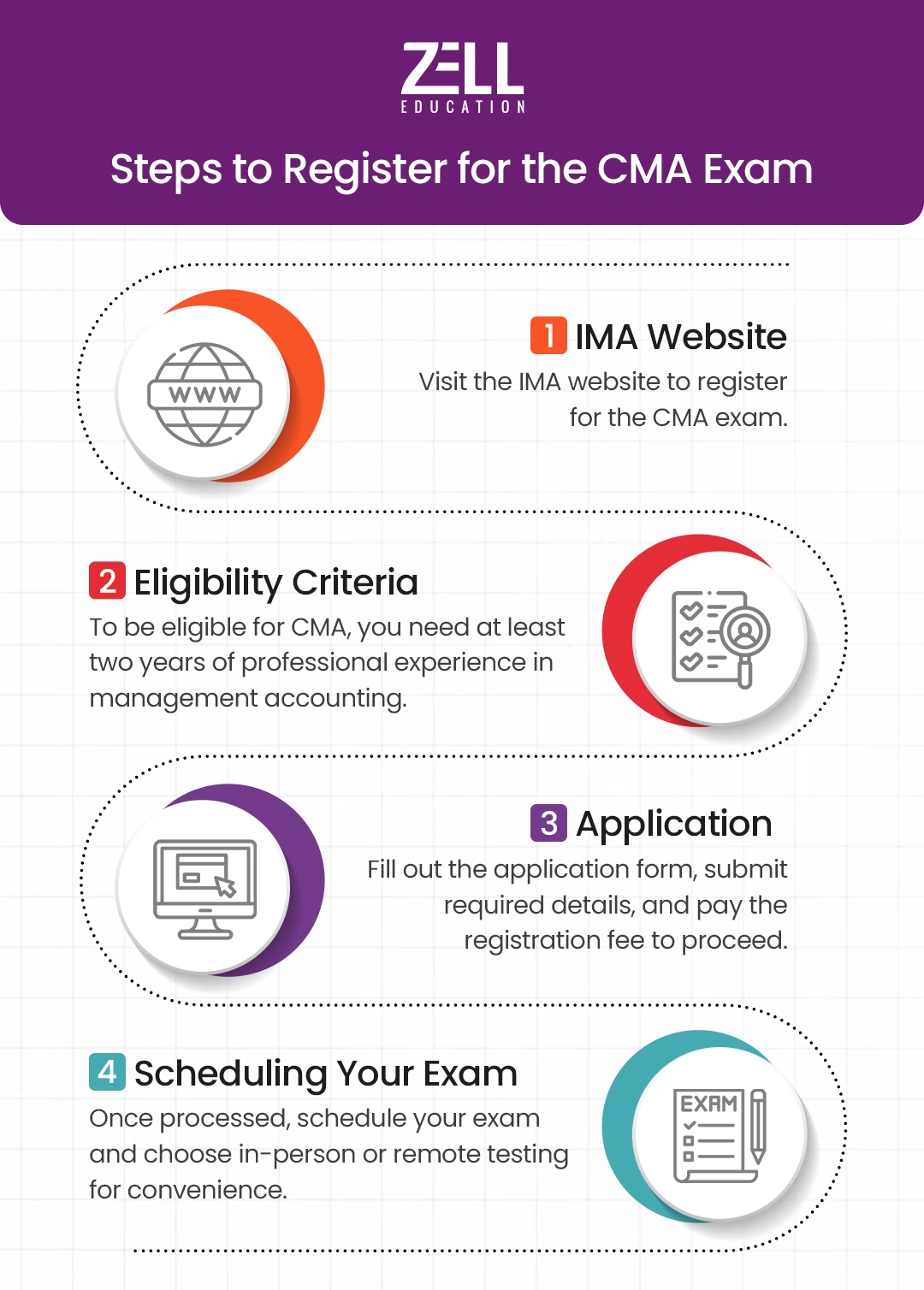
Before taking the CMA exam online, you have to complete the registration process. Here is a complete step-by-step guide on the complete process of registration.
Before taking the CMA exam online, you have to complete the registration process. Here is a complete step-by-step guide on the complete process of registration.
IMA Website:
The Institute of Management Accountants (IMA) is responsible for conducting the exam of CMA. To register for the CMA exam, first, you have to visit the IMA website.
Eligibility Criteria:
Next, you have to make sure that you are eligible for the CMA. To be eligible for CMA, you need to have at least two years of professional experience in management accounting or financial management.
Application:
Once you are eligible for the exam, you can find an application form on the website. You need to fill out that form and submit it with all the required details. You will also need to pay the registration for further processing.
Scheduling Your Exam:
Once your application is processed, you will be able to schedule your exam at your convenience. At this stage, you can be able to choose whether you want an in-person or online form of the exam. If you prefer to take the exam at your home, select Remote Testing.
Got Questions Regarding CMA Exam Registration?
 Call Now
How Remote CMA Exam Proctoring Works
If you select the remote testing option, a proctor will be assigned to you for monitoring at the time of the online exam. Proctors are responsible for carrying out smooth exams and ensuring the integrity of the exam is maintained.
Here is how it works:
- Software: Before the day of the tour exam, you need to install particular software (such as the Examity Platform) for your monitoring purpose via webcam and microphone.
- Identity Verification: You need to complete your ID verification by providing your details about your ID, your face, and your workspace.
- End of Exam: After the completion of the exam, the proctor will confirm its completion and announce that your results will be available once they have been processed.
Technical and Environmental Requirements for Remote Testing
To ensure your remote exam session goes smoothly, you must meet specific technical and environmental criteria. Failure to meet these requirements can result in technical issues or even disqualification.
System and Device Requirements
- Operating System: The exam platform is compatible with Windows 10 and macOS 10.15 or higher.
- Web Browser: Google Chrome is preferred. You must disable all other browser tabs and applications to prevent distractions or potential cheating.
- Webcam: A functioning webcam is required to record your image and monitor your actions during the exam.
- Microphone: A working microphone is essential for communication with the proctor.
- Internet Connection: A stable internet connection (at least 1 Mbps) is necessary to prevent disruptions during the exam.
Workspace Guidelines
Your workspace should be quiet and free from distractions. The proctor will assess your environment before the exam begins to ensure it meets the requirements. Here are some important guidelines:
- No Other People: Only the candidate taking the exam should be in the room. The proctor will verify this before the exam starts.
- Clear Desk: Your desk should be clear of any unauthorised materials. No books, notes, or electronic devices are allowed except for the one you’re using to take the exam.
- Proper Lighting: Ensure that your workspace is well-lit so the proctor can clearly see you and your surroundings.
- No Background Noise: Try to minimise noise around you. If there are disruptions in your environment, the proctor may ask you to reschedule the exam.
Use a Personal Computer at Home, Not a Work Device
It is extremely recommended that while taking the exam, you use a personal computer and not a work computer. The work devices are often protected with security protocols, firewalls, or other software that might be a hindrance to your exams.
Daily and Time-Specific Availability for Online CMA Exams
Generally, remote CMA exams are offered during standard business hours, though some areas may have more flexibility with evening or weekend options. Check your local time zone and availability on the IMA’s website while scheduling your exam.
Global Access with a Few Regional Exceptions
Although the CMA exam is available across the globe, there might be some time zones where the CMA exams might be under some local regulatory restrictions. Before you proceed with your registration, please ensure that online remote testing is available for your location.
English-Only Remote CMA Exam Option
Currently, the remote Certified Management Accountant exam is only available in English. If you’re not comfortable with English, it’s best to plan accordingly, as translations are not offered for the online version of the exam. However, the exam can still be taken in various languages at testing centres in certain locations.
A Guide to Taking the CMA Exam Online From Home
When you’re ready to take the exam, follow these final tips for success:
- Log In Early: Log into the exam platform at least 30 minutes before your scheduled exam time to troubleshoot any last-minute issues with software or hardware.
- Stay Calm: Remember, the proctors are there to help ensure the process runs smoothly. If you experience technical difficulties during the exam, let the proctor know immediately.
- Manage Your Time: The CMA exam is divided into multiple-choice questions and essays. Make sure to pace yourself to ensure you complete both sections within the allotted time.
Planning to Pursue CMA Accounting Career?
 Chat on WhatsApp
To Book Your Free Counselling Session
Conclusion
The remote testing option in the CMA certification is an extremely flexible and convenient option for the candidates. Before opting for the CMA remote exam option, you have to be properly aware of the technical, environmental, and procedural guidelines to achieve success. If you have a favourable home environment and your preparation is up to the mark, you can achieve your desired goal.
FAQs on CMA Exam Online From Home
Can I give the CMA exam online from home in 2026?
No, the IMA has suspended the remote proctoring option. Currently, all candidates must take the exam in person at an authorised Prometric Test Center.
How do I schedule my CMA exam online for a centre?
You generally schedule your CMA exam online through the Prometric website, but you must select a physical “Test Center” location rather than a “Remote” option.
What are the technical requirements for the CMA online exam now?
Since remote exams are suspended, home technical requirements no longer apply. You only need to meet the ID and admission requirements for the Prometric Test Center.
What are the rules for taking the CMA exam online from home?
As exams from home are discontinued, you must follow the strict Prometric Center rules, including locker usage and no personal items in the testing room.
Is there an additional fee for giving the CMA exam online?
No. Since the online from-home option is unavailable, you only pay the standard CMA exam fee for the computer-based test at the centre.
Who provides technical support for CMA online exam booking issues?
If you face issues while booking your slot online, contact Prometric customer care or the IMA directly for assistance with your appointment.
How can Zell Education prepare me for the CMA exam format?
Zell Education offers computer-based mock exams that simulate the exact interface you will use at the center, ensuring you are comfortable with the digital exam format.

Why Zell?
- • Largest Provider for Global F&A Courses
- • 4.6 Google Review Rating
- • 1000+ Global Placement Partners
- • Placement Opportunities at the Big 4
- • 100+ Global & Indian Rank Holders
- • 100+ Faculty Network
- • 10,000+ Students Placed
Speak to A Career Counselor
Zell's 10th Anniversary Offer - Avail a 10% Scholarship